Add your dates to your phone’s calendar
One link your phone’s calendar subscribes to, so lectures and due dates appear in it and update by themselves.
Recorded on the Arabic interface, with Arabic captions.
Step by step
- In “My library” press “Add to your calendar”.
- Press “Open in my calendar”, or copy the link into your calendar app.
- Your dates appear in the phone calendar and update by themselves.
- The link is yours alone: do not share it, and you can replace it any time.
More for the student
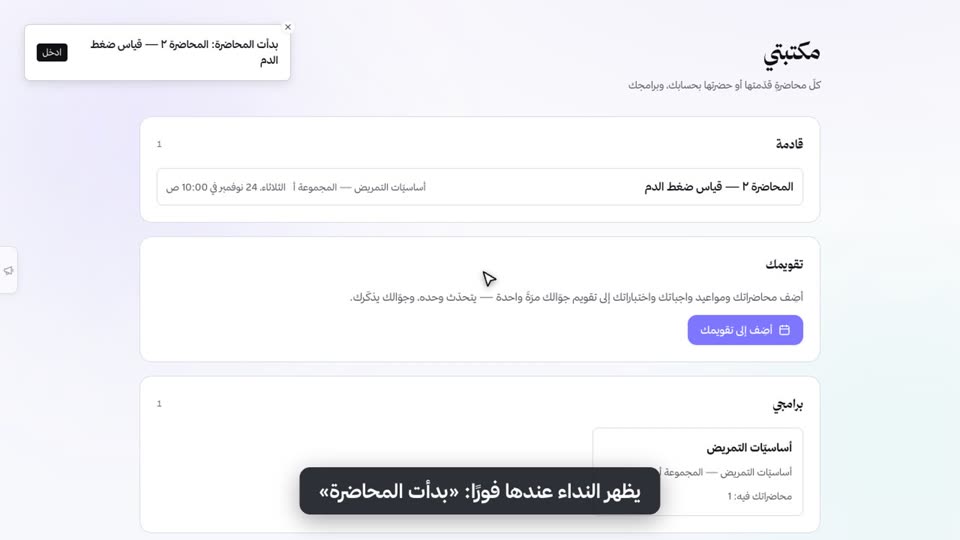 0:30The lecture started: you are called and join in one tapThe moment the lecturer starts, a notice appears with “Join” — no code, no searching.
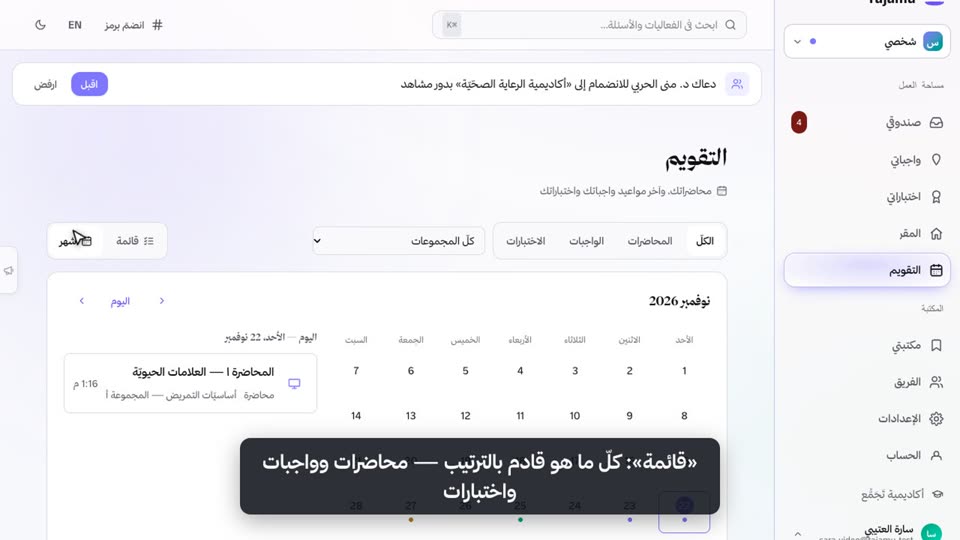 0:36“Calendar”: lectures, assignments and exams in one placeA list of what is coming, or a full month — and filter by kind.
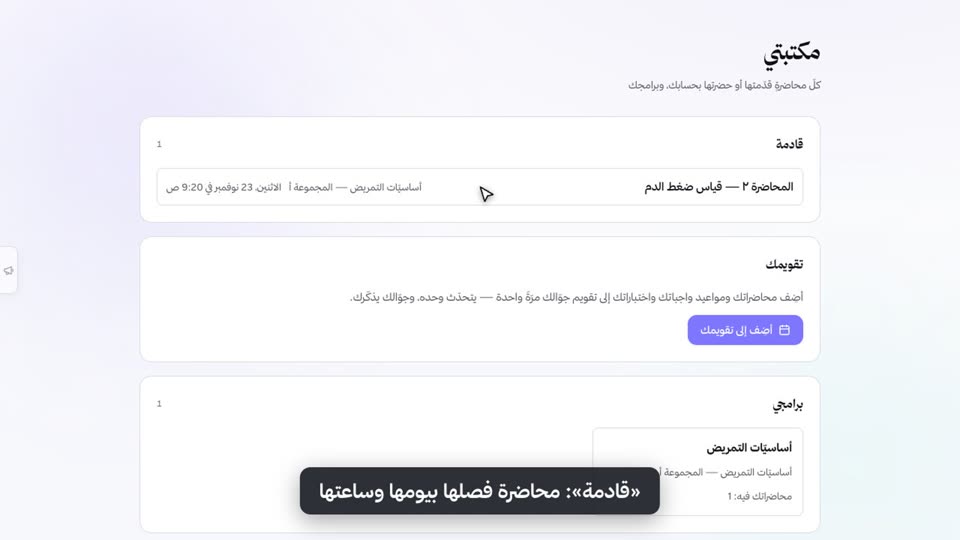 0:33“My library”: what is coming and what you attendedUpcoming lectures with their dates, programs, and every lecture you attended or that was opened to your class.
 0:42The lecture page: each section is a bar you open with a tapSlides, activities, files, discussion — closed until you press them, and they stay as you left them.
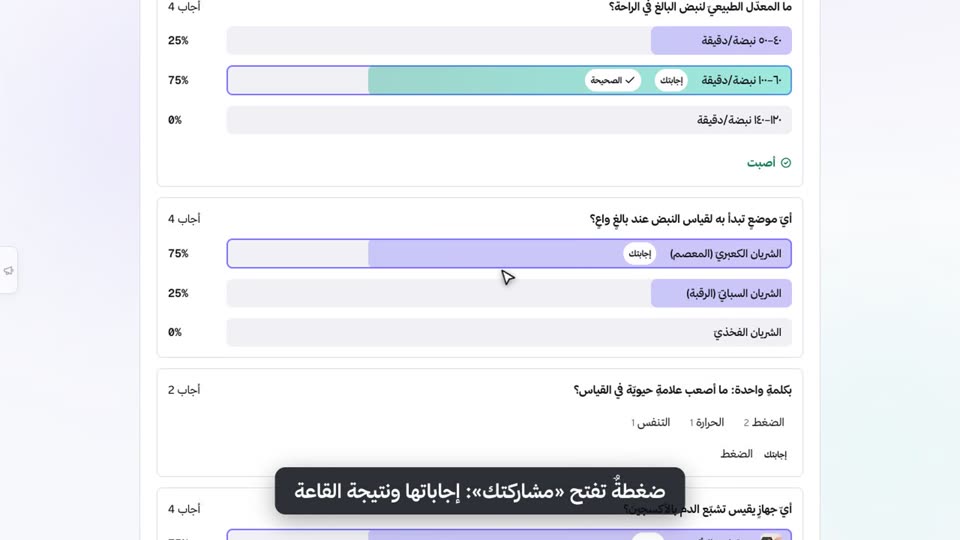
 0:41“Your participation”: your answers and the room’s resultAfter the lecture you see every activity with your own answer and the room’s result beside it.
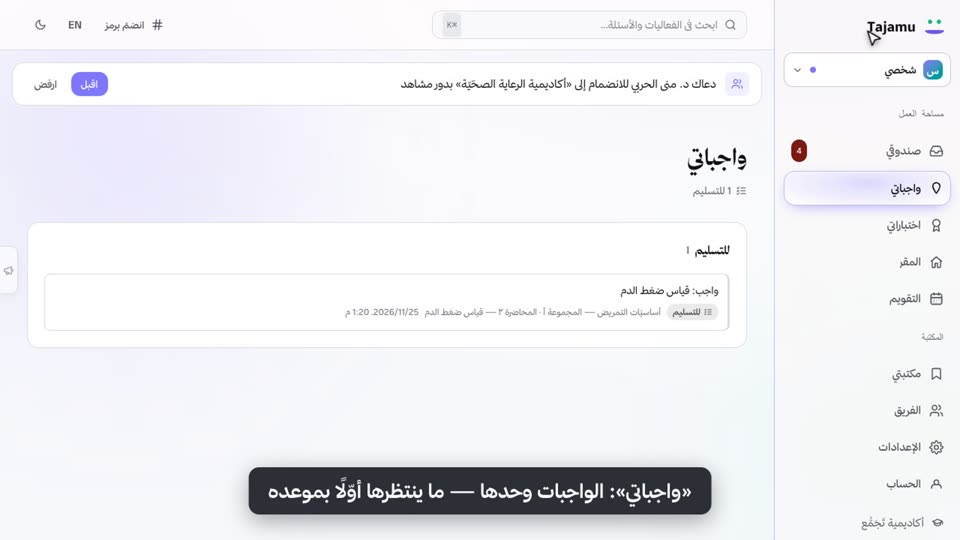 0:29“My assignments” and “My exams”: each on its own pageAssignments on one page and exams on another — what is waiting first, what you handed in below.