“Calendar”: lectures, assignments and exams in one place
A list of what is coming, or a full month — and filter by kind.
Recorded on the Arabic interface, with Arabic captions.
Step by step
- Open “Calendar” from the menu.
- “List” shows what is coming in order; “Month” shows the days.
- Press a day to see what is in it.
- Filter: lectures, assignments or exams.
More for the student
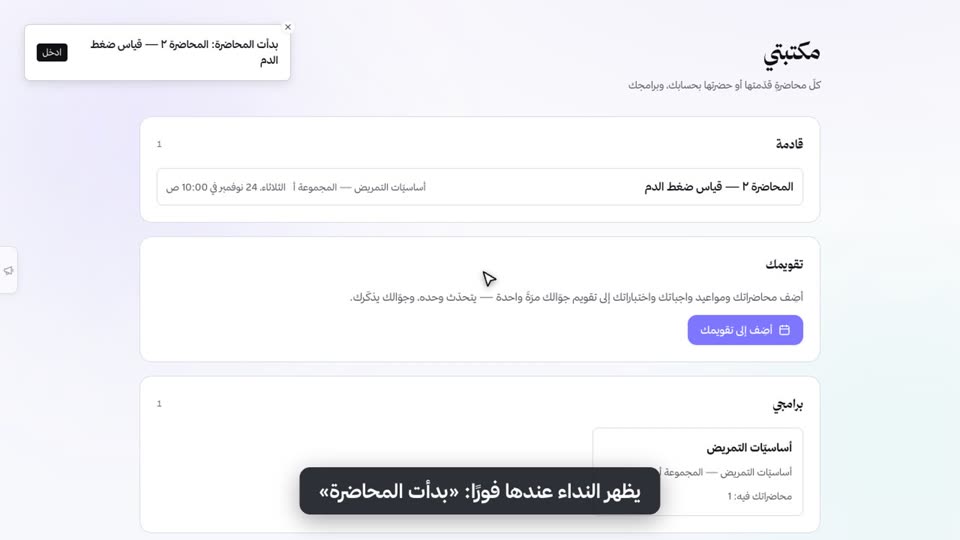 0:30The lecture started: you are called and join in one tapThe moment the lecturer starts, a notice appears with “Join” — no code, no searching.
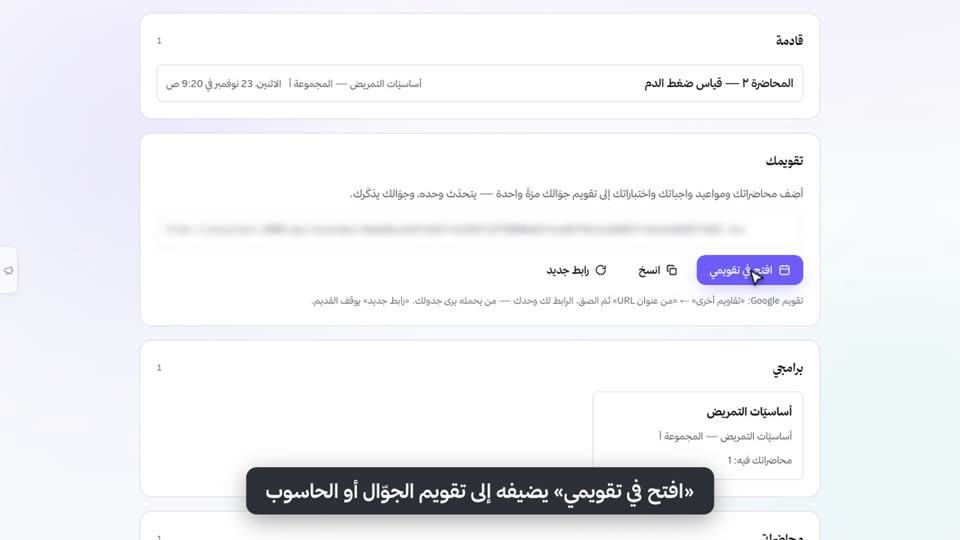 0:31Add your dates to your phone’s calendarOne link your phone’s calendar subscribes to, so lectures and due dates appear in it and update by themselves.
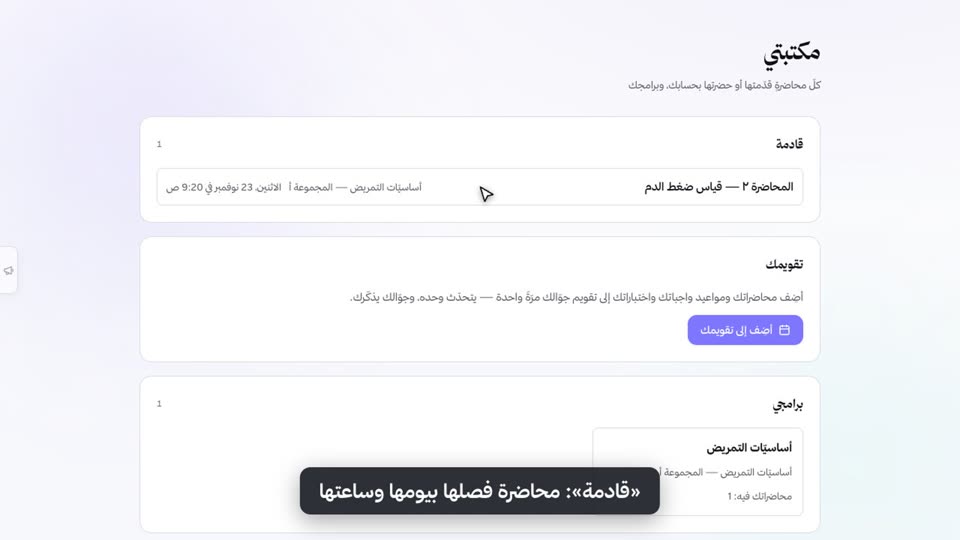 0:33“My library”: what is coming and what you attendedUpcoming lectures with their dates, programs, and every lecture you attended or that was opened to your class.
 0:42The lecture page: each section is a bar you open with a tapSlides, activities, files, discussion — closed until you press them, and they stay as you left them.
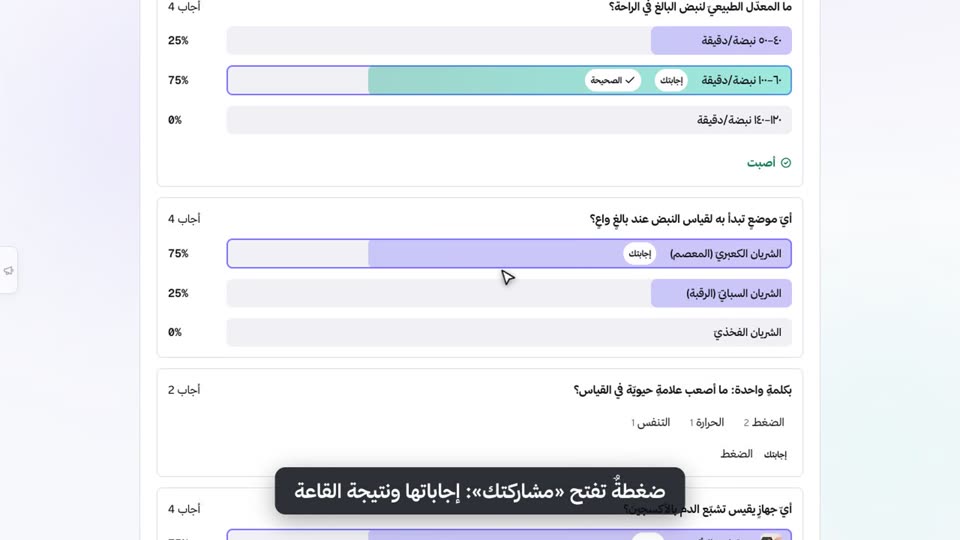
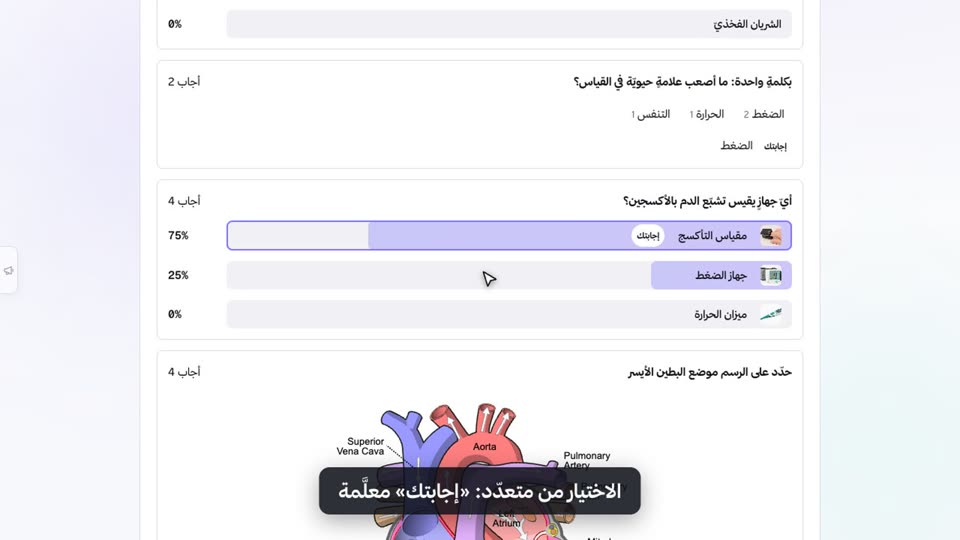 0:41“Your participation”: your answers and the room’s resultAfter the lecture you see every activity with your own answer and the room’s result beside it.
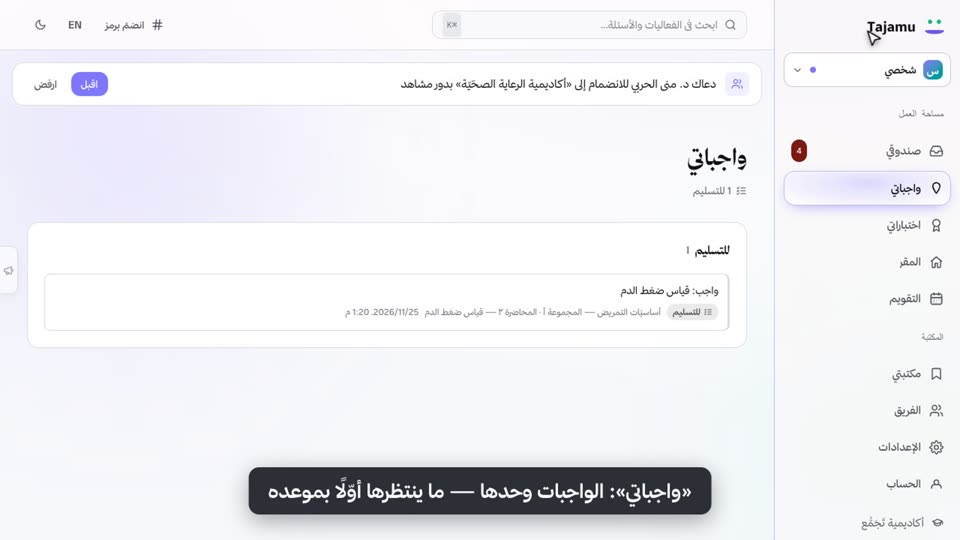 0:29“My assignments” and “My exams”: each on its own pageAssignments on one page and exams on another — what is waiting first, what you handed in below.